Connecting your finances should feel safe. Here is what CentSight can see, what it cannot do, and how you stay in control.
What CentSight reads
CentSight reads your QuickBooks accounting data, and, if you connect a bank, your bank transactions. That is what lets it answer questions about your cash, burn, runway, and spend. It reads this data in real time and only reads it. It never writes to or changes your QuickBooks.
What CentSight cannot do
- It is read-only. CentSight reads your data and cannot change it.
- It cannot move money. CentSight cannot make payments or transfers.
- It cannot change your QuickBooks records.
- It never sees your bank login. When you connect a bank, you sign in on your bank's own page through Plaid, and your credentials are not shared with CentSight.
You stay in control
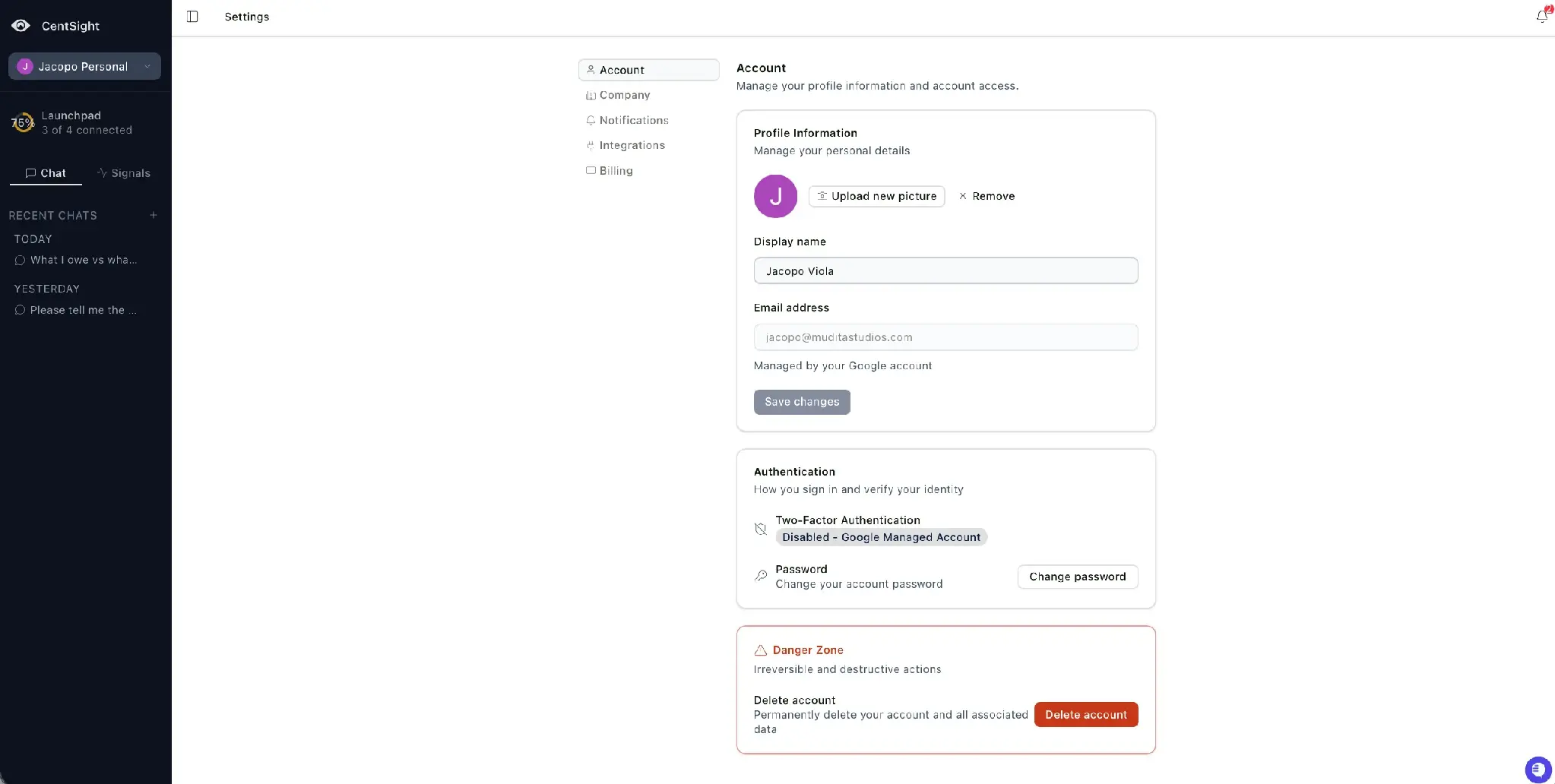
- Disconnect anytime, from Settings › Integrations.
- Your data if you leave. If you cancel your subscription or delete your account, you keep read-only access to your data for 30 days. After that, it is deleted.
For more on how we protect your data, see our security overview.