If your dashboard shows figures that look behind what is in QuickBooks or your bank, that is expected, and easy to fix.
What is happening
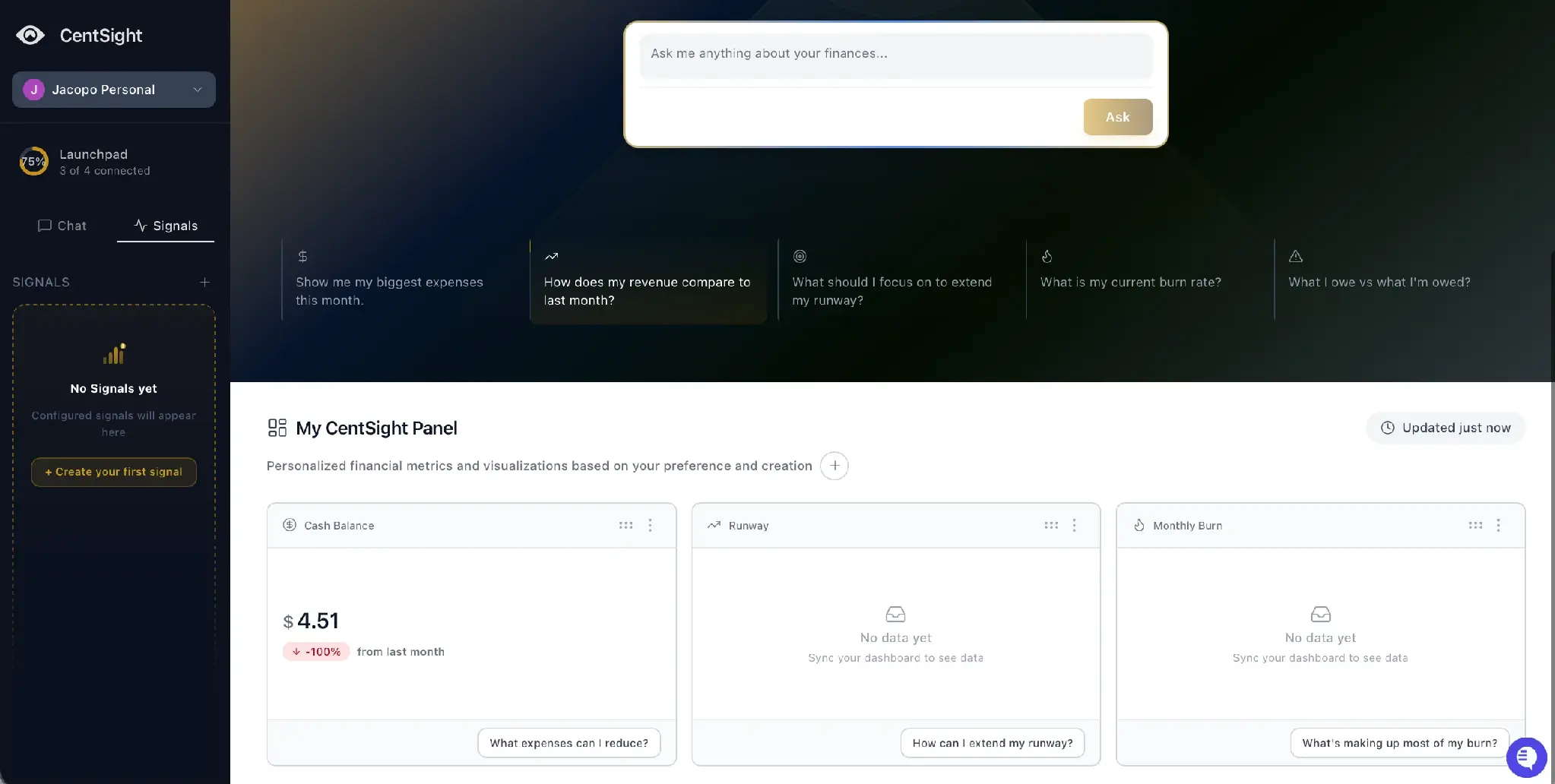
Your dashboard shows a saved snapshot of your numbers, not a live feed. CentSight refreshes that snapshot about once an hour, so the figures on screen can be up to an hour old.
When you ask a question in chat, CentSight pulls your latest data to answer it. The dashboard tiles are the part that updates on the hourly refresh.
Refresh it now
Use Sync Now, near the last-updated time at the top of your panel, to refresh immediately. You can force a refresh once every 15 minutes. After that, your panel reflects the most recent posted data.